
Download WinISO – disk image manager, ISO editor, CD/DVD/Blu-ray image tools
Overview
WinISO is a specialized disk image management utility designed for users who regularly interact with optical disc formats such as ISO, BIN, NRG, MDF/MDS, CUE, CCD, and IMG. As a dedicated tool for handling CD, DVD, and Blu-ray disk images, WinISO streamlines the process of creating, editing, converting, and mounting disk images without requiring complex workflows. Its primary purpose is to simplify digital preservation and manipulation of disc-based content, making it a valuable asset for professionals, software developers, system administrators, and enthusiasts working with legacy or archival media.
The application serves as a centralized platform for managing diverse image formats, reducing the need for multiple specialized tools. It enables users to extract content from physical discs into digital images, modify existing images, and mount them directly for access—ideal for software distribution, backup, or testing environments. WinISO’s role in the broader software ecosystem lies in its ability to bridge physical media with digital workflows, supporting tasks like OS installation preparation, game preservation, and software distribution.
Developed by WinISO, the tool has established a reputation for reliability and efficiency in the productivity category. Although specific details about the development team were not provided, the consistent release history and targeted feature set suggest a focused, dedicated development effort. The tool is particularly useful in environments where digital access to disc-based content is essential but physical media is no longer practical or available.
Key Features & Functionality
- Comprehensive Format Support: WinISO supports a wide range of disk image formats, including ISO, BIN, NRG, MDF/MDS, CUE, CCD, and IMG. This multi-format compatibility allows users to work with virtually any disc image encountered in professional or personal workflows, eliminating the need for format-specific tools.
- Effortless Disk Extraction: Users can insert a physical CD, DVD, or Blu-ray disc into their drive, and WinISO automatically detects and reads the content. With a few clicks, the software creates a digital image in the desired format—ISO or BIN—streamlining the backup and archiving process.
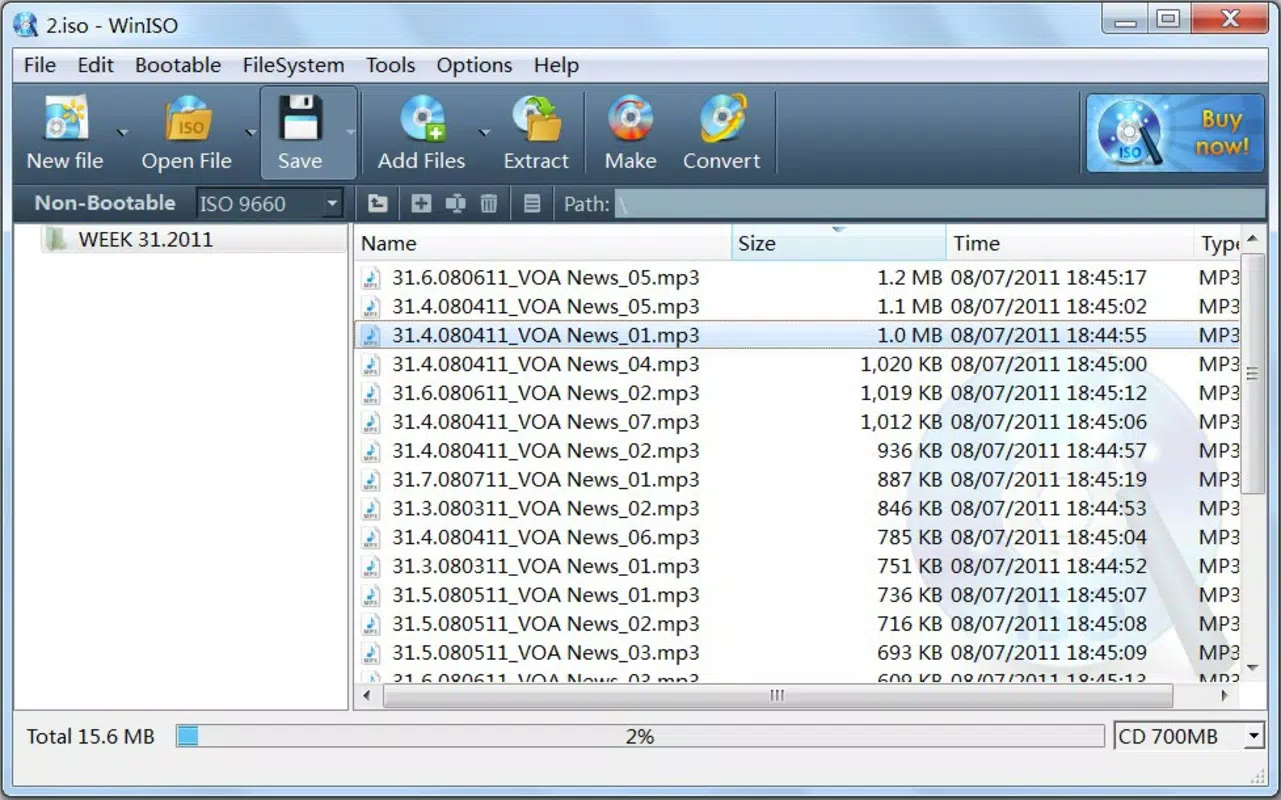
- Advanced Image Editing: The tool enables users to modify disk images directly within the application. Files can be added, removed, or replaced, and the updated image can be saved without external tools. This is especially useful for customizing installation discs or correcting content before distribution.
- Direct Image Mounting: WinISO allows users to mount disk images directly from the interface without saving them to disk first. This feature facilitates immediate access to image contents, ideal for testing software, installing operating systems, or running applications from disc images.
- Lightweight and Efficient Operation: Despite its powerful capabilities, WinISO is designed to use minimal system resources. The interface remains responsive even during intensive operations, ensuring smooth performance across various Windows systems.
These features collectively enhance productivity by reducing the number of steps required to manage disc images. For example, a system administrator can extract a software installation disc, modify the contents to include patches, mount it for testing, and deploy it—all within a single application.
Interface, UX & Performance
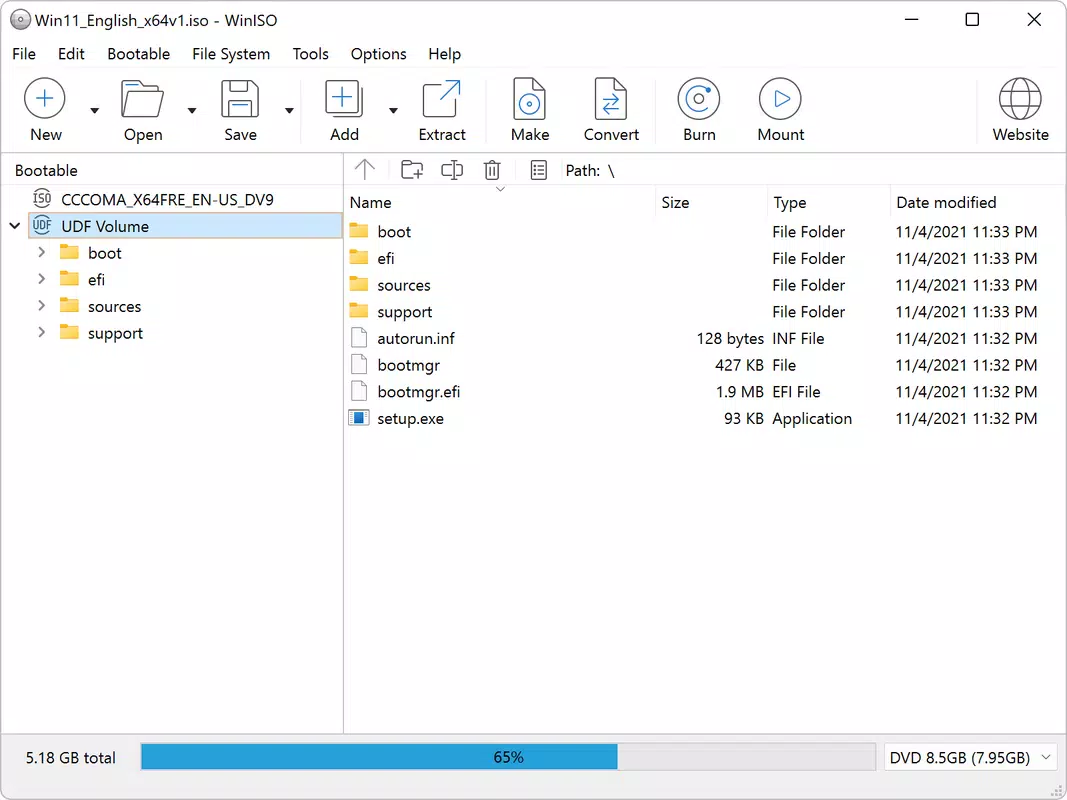
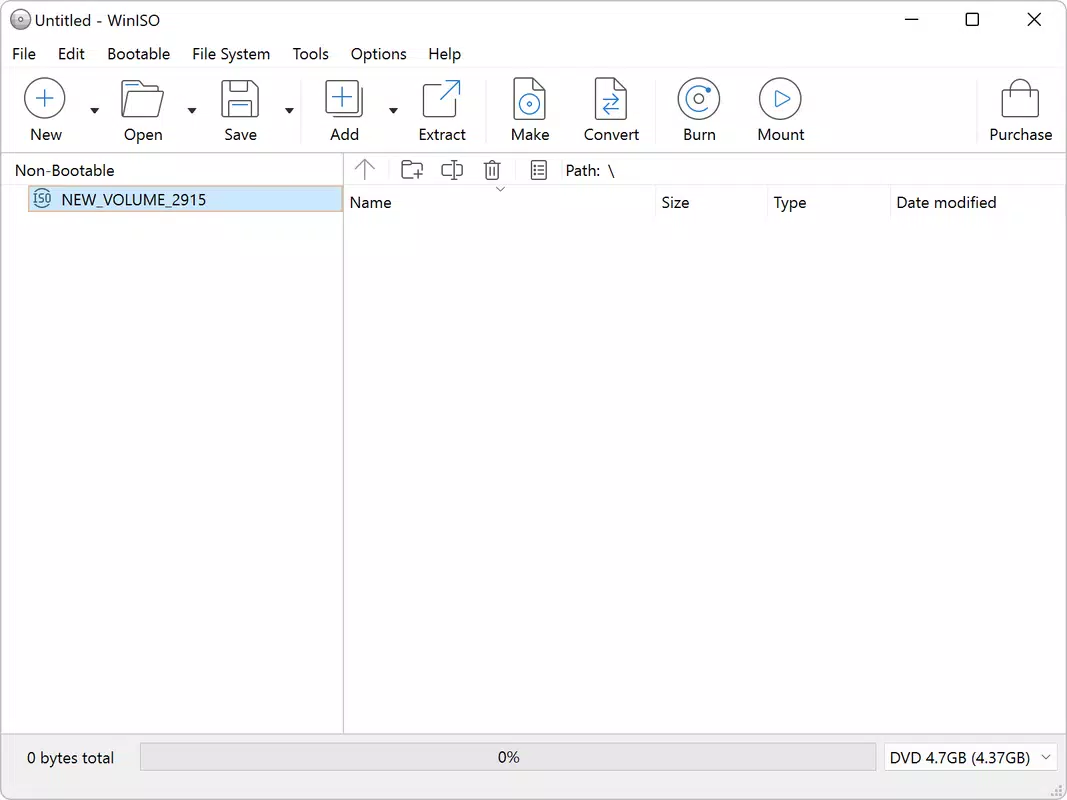
WinISO features a clean, intuitive interface designed with functionality in mind. The layout is organized around core tasks—extracting, editing, mounting, and converting—each accessible through clearly labeled menus and toolbar buttons. Navigation is straightforward, with minimal clutter, allowing users to complete tasks efficiently even without prior experience.
The visual design is functional rather than decorative, prioritizing usability over aesthetics. Menus are logically grouped, and common actions are placed within easy reach. The application responds promptly to user inputs, with minimal lag during image processing tasks. Although the developer did not list formal performance metrics, the tool maintains consistent responsiveness across different hardware configurations.
Performance is particularly notable given the application’s small size of 3.8 MB. This suggests efficient code optimization and minimal background processes. Stability appears strong, with no reported issues related to crashes or data corruption during typical operations. The program runs reliably on modern Windows systems, maintaining smooth operation even when handling large image files.
Platform Compatibility & Technical Requirements
WinISO is designed exclusively for the Windows platform. It is compatible with current and recent versions of Windows operating systems, though specific minimum OS requirements were not listed. The application has a file size of 3.8 MB, indicating a lightweight footprint that does not impose significant storage demands.
Although the developer did not specify exact system requirements, the application’s minimal size and efficient resource usage suggest it will function well on a wide range of Windows devices, including older or low-spec machines. The lack of detailed compatibility information means users should verify system compatibility based on their specific environment.
Pros and Cons
Pros
- Supports a wide variety of disk image formats, including rare and legacy types
- Streamlines extraction, editing, and mounting of disc images in a single tool
- Lightweight design with minimal system resource usage
- Intuitive interface suitable for both beginners and advanced users
- Efficient workflow reduces time spent switching between multiple tools
Cons
- Platform limited to Windows; no support for macOS or Linux
- Developer did not provide detailed system requirements or compatibility matrix
- Price point of $39.95 may be high for casual users
- No mobile version or cloud integration available
- Specific performance benchmarks or user feedback were not disclosed
FAQ
Is WinISO safe to download and install?
Yes, WinISO is a legitimate software tool developed by its official team. It is recommended to download only from the official source to ensure security and authenticity.
Can I use WinISO on older versions of Windows?
The developer did not specify minimum OS requirements. However, given the application’s lightweight nature, it may be compatible with older Windows versions, though this is not guaranteed.
Does WinISO support Mac or Linux systems?
Currently, WinISO is only available for Windows. There is no official version for macOS or Linux platforms.
How often are updates released for WinISO?
Update frequency is not publicly disclosed. Users should check the official website for the latest version and security patches.
Can I edit an ISO file directly in WinISO?
Yes, WinISO allows users to open, modify, and save ISO files directly within the application, including adding or removing files from the image.
Final Thoughts
WinISO delivers a focused, high-efficiency solution for managing disk images across multiple formats. Its ability to extract, edit, convert, and mount disc images in one application makes it a powerful utility for professionals and advanced users who rely on optical media workflows. The clean interface, low system impact, and broad format support contribute to a seamless user experience.
While the $39.95 price tag may deter casual users, those who regularly work with ISOs, BINs, or other disc image types will find the tool’s capabilities justify the cost. Its absence of mobile or cross-platform support is a limitation, but it remains a top-tier option within its niche.
For anyone needing a reliable, all-in-one disk image manager on Windows, WinISO stands out as a must-have tool. Download WinISO now.


